
Shopify vs Webflow: How to Choose the Right Platform
How to Choose
We build on both Shopify and Webflow, so we don't have a horse in this race. The right answer depends almost entirely on one question: how does your website make you money?
Choose Shopify when selling is the business
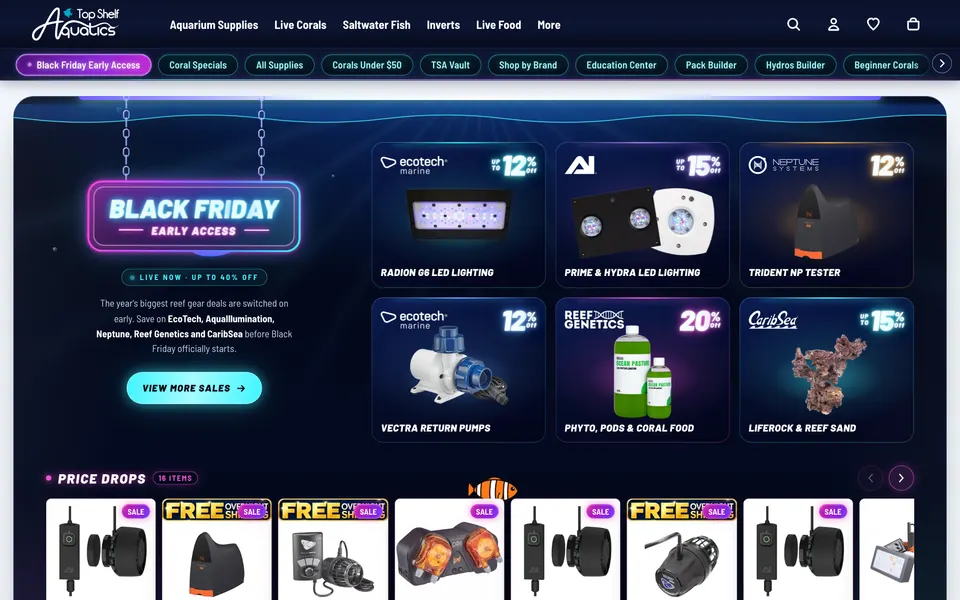
Shopify is a commerce engine first. If customers browse products, add them to a cart and check out, it's very hard to beat.
- Checkout that converts. Shopify's checkout is fast, trusted and constantly improved.
- Inventory and operations. Variants, stock, shipping, taxes and fulfilment are built in.
- A huge ecosystem. Reviews, subscriptions, loyalty and email all integrate cleanly.
- Custom themes. With Online Store 2.0, a custom theme gives you full design control and editable sections.
It's the right choice for retailers, product brands, memberships with merch, and even booking-based businesses that sell trips or packages.
Choose Webflow when the story is the business
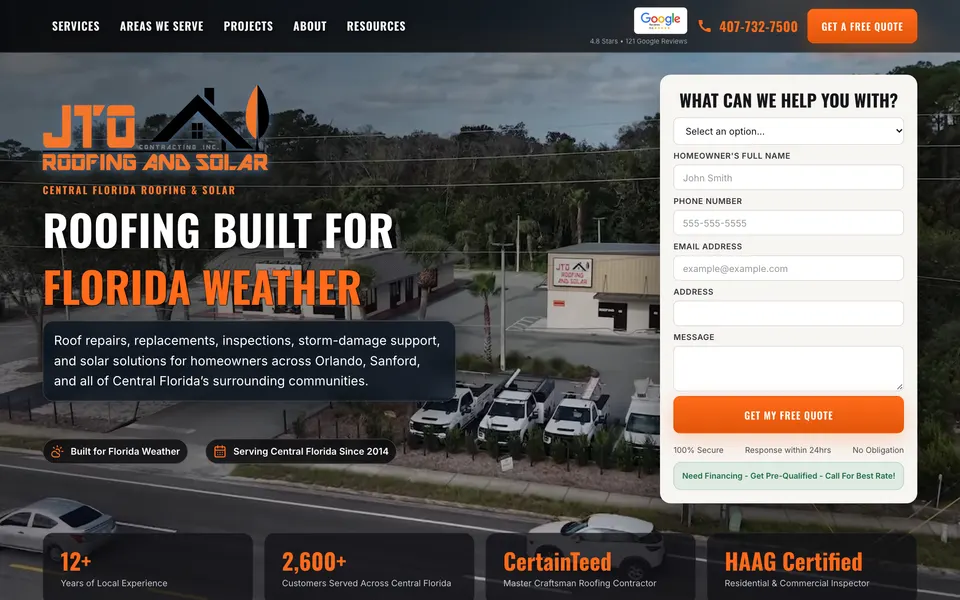
Webflow is a visual development platform with a superb CMS. It shines when your site's job is to build trust and generate enquiries.
- Design freedom. Pixel-level control and smooth interactions without plugin bloat.
- A CMS your team will use. Structured collections for services, locations, team, case studies and blog posts.
- Marketing speed. Launch landing pages and campaigns without a developer.
- Clean, fast output. Semantic markup and solid hosting out of the box.
It's ideal for service businesses, contractors, agencies, premium brands and content-heavy sites.
The gray areas
Some businesses sit in the middle:
- A brand with a small product line can go either way. If the store is central, choose Shopify. If the brand story leads and products are secondary, Webflow plus a light commerce integration can work.
- A service business that sells packages or deposits often fits Shopify surprisingly well, because checkout and payments are handled for you.
- A content-heavy store can pair Shopify for commerce with a strong editorial structure, without needing two platforms.
Questions to ask yourself
- Do customers buy directly on the site, or contact you first?
- How many products or services do you list, and how often do they change?
- Who will update the site day to day?
- Which integrations do you depend on (POS, CRM, booking, email)?
Our honest recommendation
Pick the platform that matches your revenue model, then insist on a custom build. A beautiful theme on the wrong platform, or the right platform with a generic theme, will both leave money on the table.
Not sure which camp you're in? Book a call and we'll give you a straight answer, even if it means a smaller project for us.